
Quick, private, and free — save public Threads GIFs in original animation quality.
With Thredra, downloading Threads GIFs is paste → preview → download. Many Threads “GIFs” are delivered as GIF, WebP, or an MP4 loop. Thredra exposes the formats available for that post so you can save the best option for sharing. Runs entirely in your browser on iPhone, Android, and desktop — no app or signup.
Format mirrors the source. If a post is served as WebP/MP4, you’ll see those alongside GIF when available. Private or restricted posts aren’t supported.
Quick start: Open Thredra → Paste link → Pick GIF/WebP/MP4 → Download.
Download a Threads GIF in 4 Steps

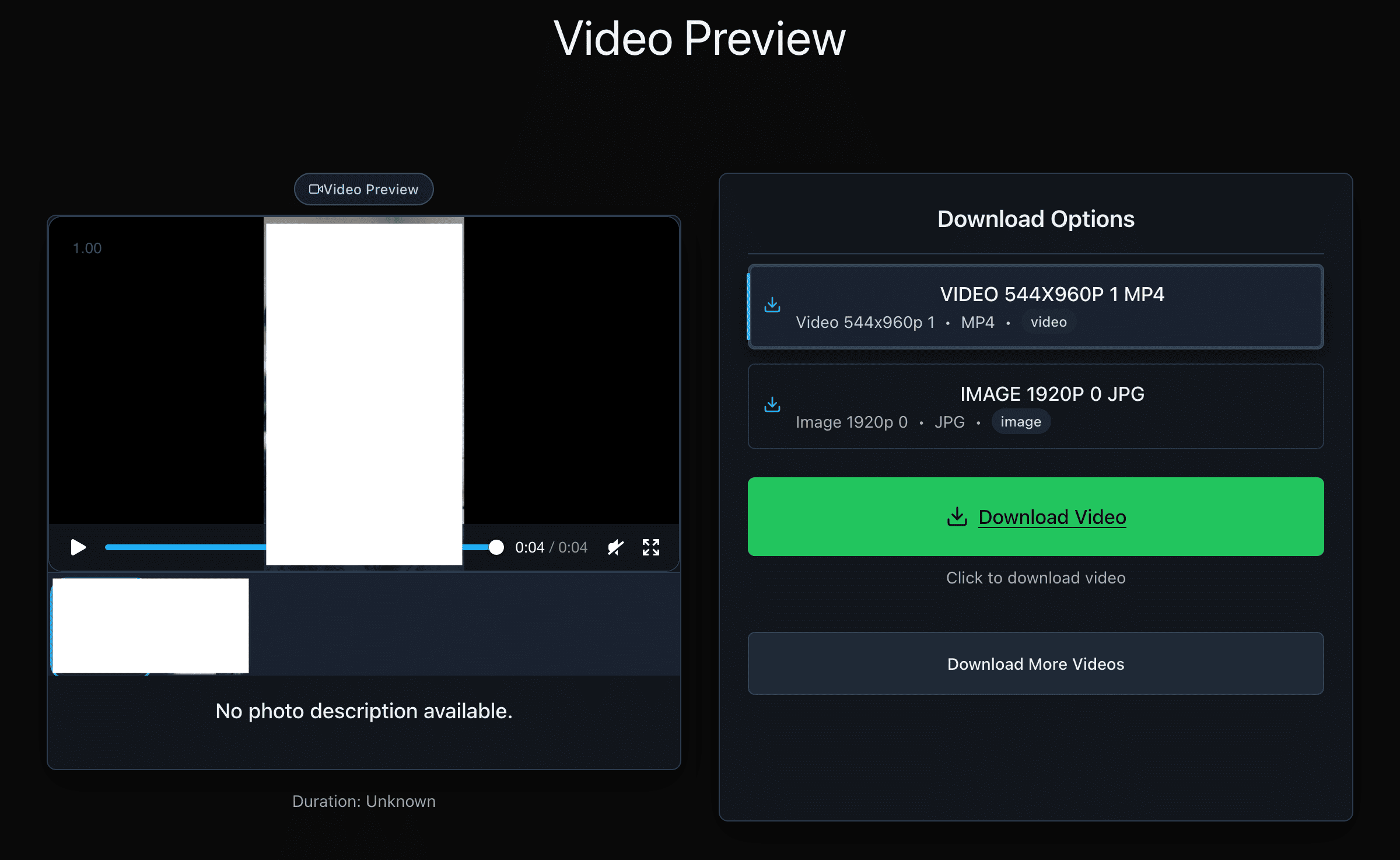
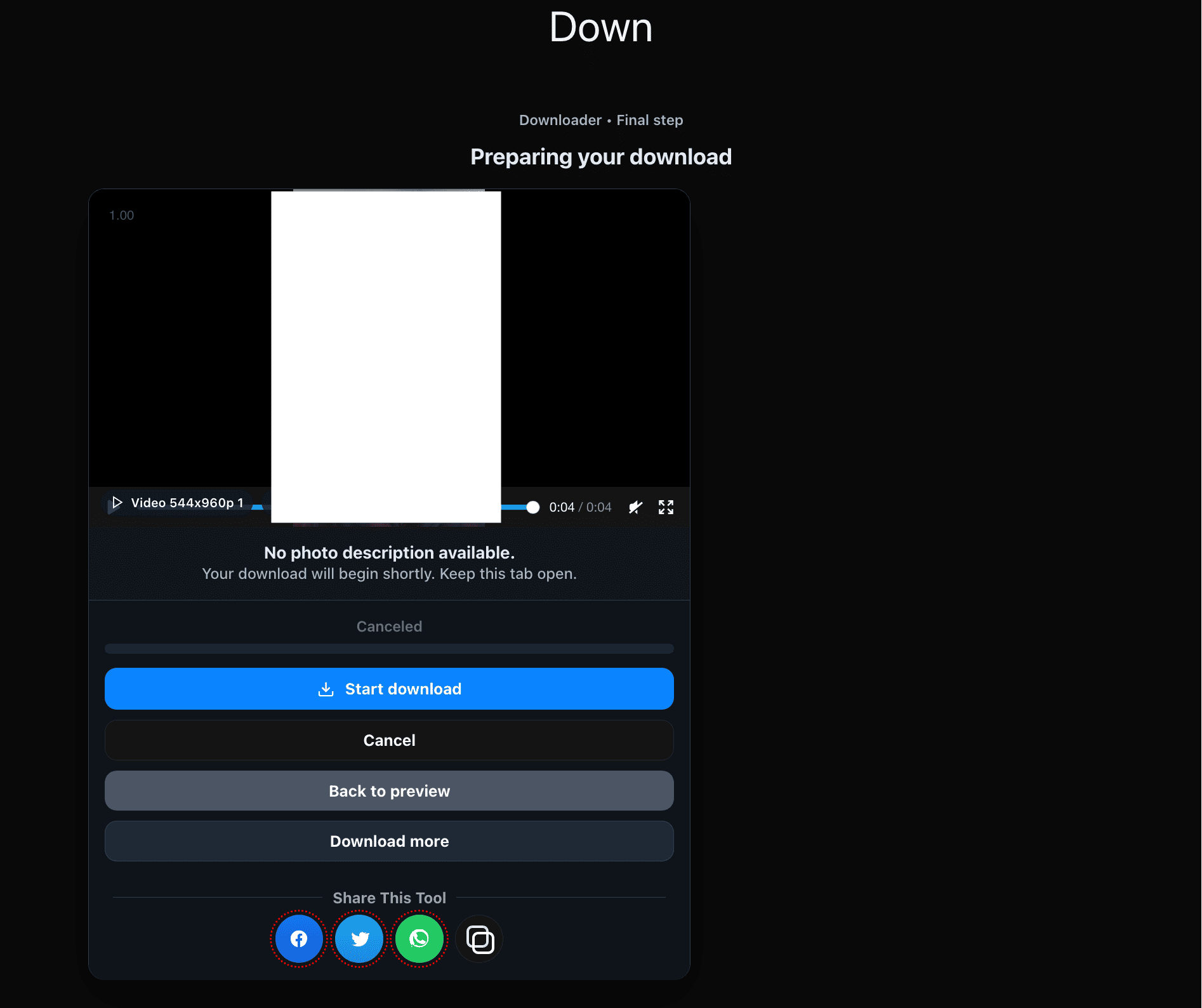
Copy the Correct Link
Web (threads.net)
- Open the post that contains the animated GIF (or GIF-like loop).
- Switch to single-post view.
- Copy the full URL from your browser.
iPhone / iPad
- Open the post.
- Tap Share → Copy link.
- Paste it on thredra.com.
Android
- Open the post.
- Tap Share (or ⋯) → Copy link.
- Paste it on thredra.com.
Formats, Quality & File Size
Available formats
- GIF: Universal support; larger size; up to 256 colors.
- WebP (animated): Smaller files with better quality.
- MP4 loop: Plays everywhere; smallest size; not an image format.
What to expect
- Dimensions & FPS: Mirrors the post; no artificial upscaling.
- Transparency: Rare on social; may be lost if the platform converts to video.
- Length vs size: Longer animations and higher FPS increase file size.
Saving the File on Your Device
iOS (Safari)
- Tap Download.
- If a preview opens, use Share → Save Image for GIF/WebP or Save to Files for MP4.
- Find it in Photos or Files. (Some apps show only the first frame — open in Files or a compatible viewer to see animation.)
Android (Chrome)
- Tap Download.
- Track progress in notifications.
- Find it in Downloads or Gallery. (If still image shows, open with a viewer that supports animation.)
Windows / macOS
- Right-click the preview → Save image as… (GIF/WebP) or Save video as… (MP4 loop).
- Choose a folder and save.
- Use a modern viewer if animation doesn’t play.
Why Choose Thredra
- Purpose-built for GIFs: Clean flow that prioritizes animated formats.
- Smart format fallback: Choose GIF, WebP, or MP4 loop based on your sharing needs.
- Carousel support: Pick individual animations when a post has multiple items.
- Privacy-friendly: On-demand processing; no accounts or extensions.
Troubleshooting
- Invalid/partial URL: Re-copy via Share → Copy link or from the single-post page.
- No GIF option: The post may be served as WebP/MP4 only; use those or a converter after download.
- Shows as a still image: Open with a viewer that supports animation (Files app, modern gallery, or browser).
- Blocked download: Try another browser or temporarily disable strict blockers.
- Large file size: Prefer WebP/MP4 loop; they’re smaller than GIF at similar quality.
- Private/restricted: Not supported.
Respect Rights & Platform Rules
Thredra helps you save publicly accessible GIFs from Threads for personal use. Always respect creator permissions and Threads’ Terms. Don’t redistribute or republish without consent. Your usage is your responsibility.
GIF Downloading FAQ
Is Thredra free?
Yes — free, browser-based, and no signup.
Which formats can I download?
Whatever the post exposes — typically GIF, animated WebP, or an MP4 loop.
Will it keep the animation?
Yes — we mirror the animated source; no artificial re-encoding or upscaling.
Can I download multiple GIFs from a carousel?
Yes — select the items you want and download individually.
Why is there no transparent background?
Social platforms often convert uploads to formats without transparency. If the source is video, transparency won’t be preserved.
Do you store my media or links?
No — processing is on-demand; we don’t keep your files or URLs.
Does Thredra convert MP4 to GIF?
Thredra presents the formats available from the post. If only MP4 is offered, you can convert it using a separate tool after download.
Does it work on mobile?
Yes — iOS and Android via your regular browser.
My app shows only a still frame
Open the file in Files or a viewer that supports animation, or share the WebP/MP4 loop version.
Where should I share for best quality?
WebP or MP4 loop generally look better and are smaller than GIF. Use GIF if you need maximum compatibility.
Download a Threads GIF
Open Thredra, paste a link, choose GIF/WebP/MP4, and save the animation to your device.