
Quick, private, and free — save public Threads videos in the best available quality.
With Thredra, downloading Threads videos is paste → preview → download. Thredra lists the variants exposed by the post (HD, Full HD, sometimes 4K) so you can choose the sharpest option. It runs entirely in your browser on iPhone, Android, and desktop — no app or signup.
Quality mirrors the source. If a post doesn’t offer 1080p/4K on Threads, Thredra won’t show those options. Private or restricted posts aren’t supported.
Quick start: Open Thredra → Paste link → Choose quality → Download.
Download in 4 Steps

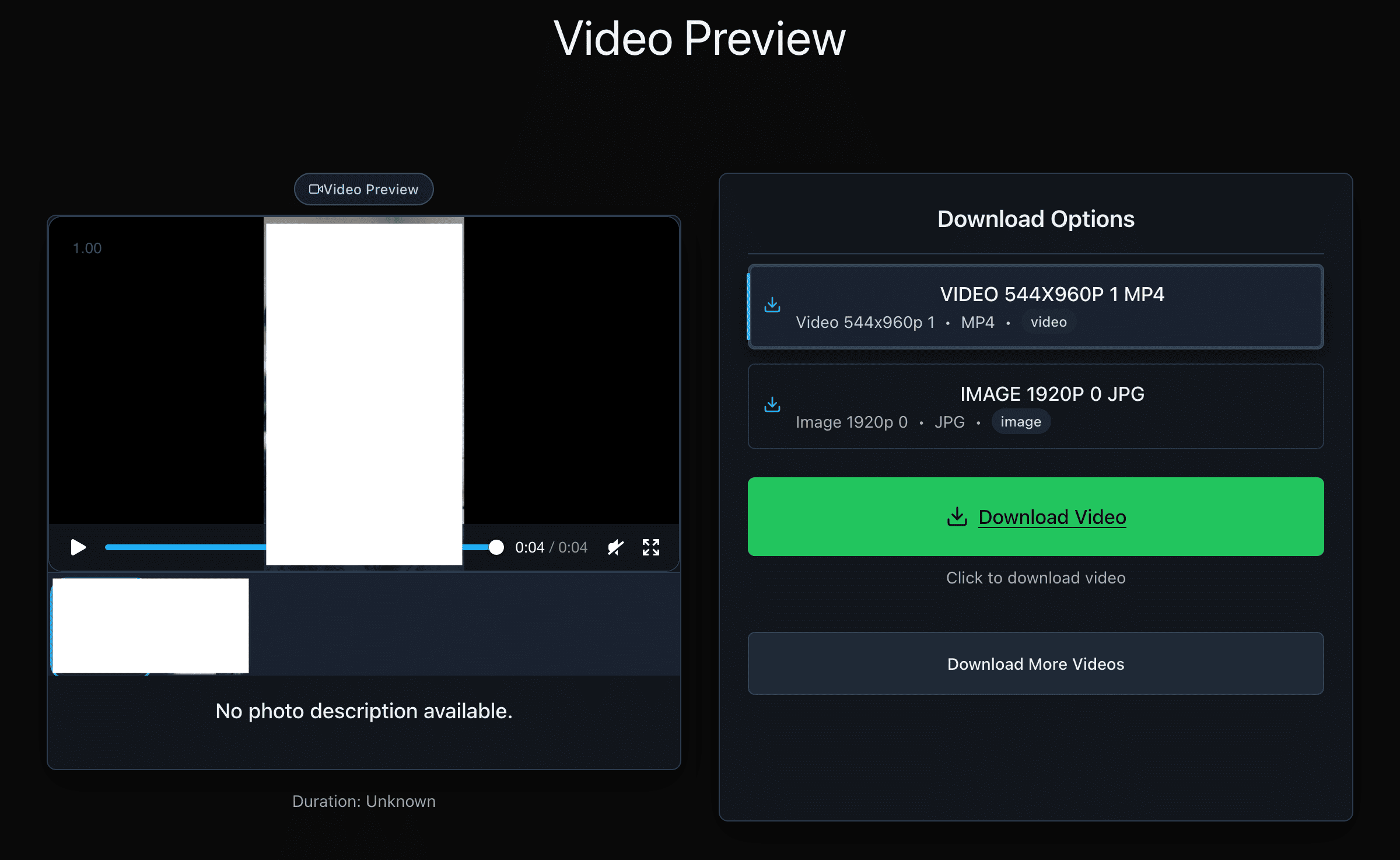
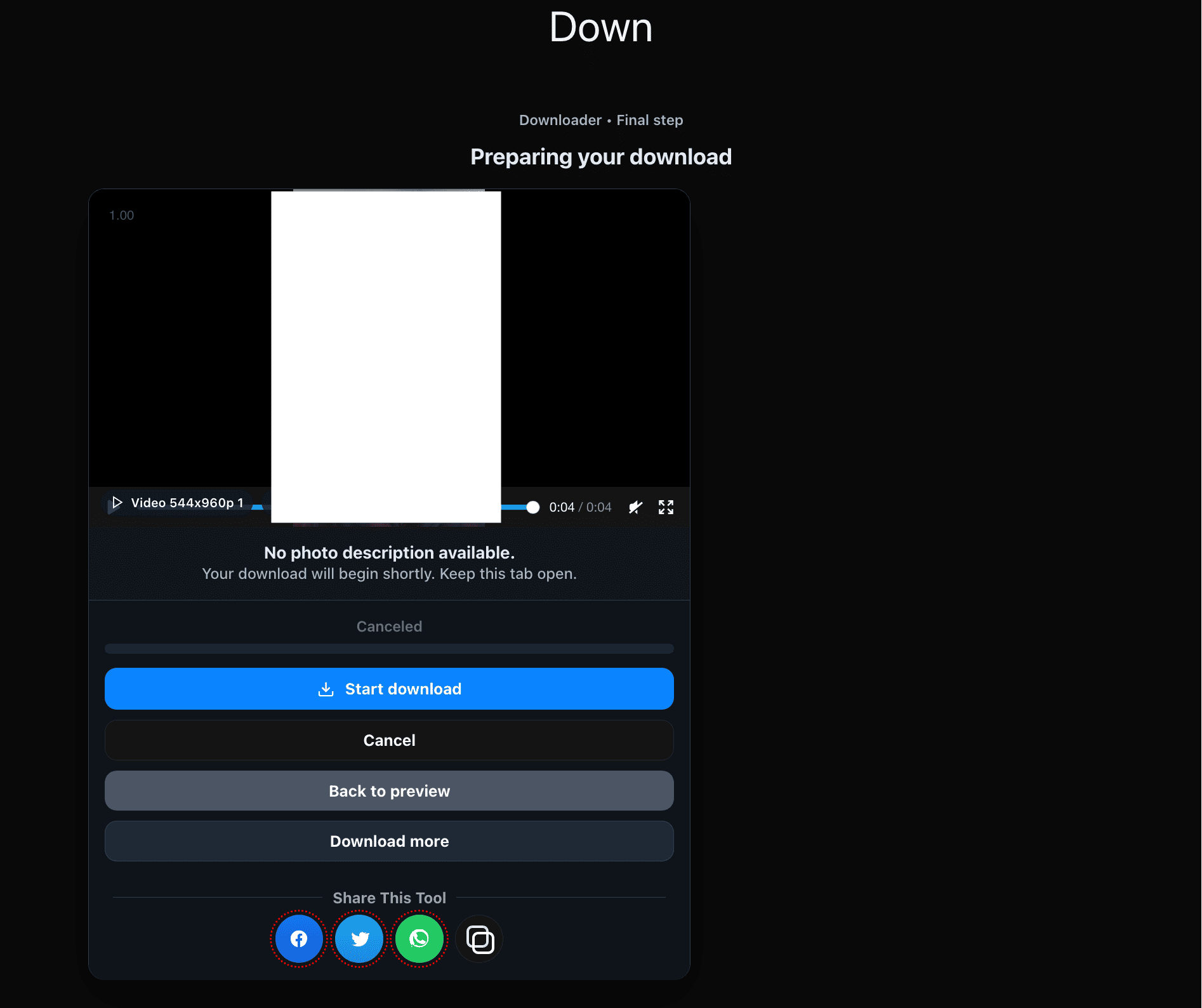
Copy the Correct Link
Web (threads.net)
- Open the video post on threads.net.
- Switch to single-post view.
- Copy the full URL from your browser.
iPhone / iPad
- Open the video post.
- Tap Share → Copy link.
- Paste it on thredra.com.
Android
- Open the video post.
- Tap Share (or ⋯) → Copy link.
- Paste it on thredra.com.
Quality & File Size Basics
Typical options
- 720p (HD): Smaller files; fine for social.
- 1080p (Full HD): Crisp on most screens; great default.
- 4K: Appears only if the creator uploaded it.
What to expect
- No upscaling: Thredra mirrors Threads’ variants.
- Audio: Included when present; muted stays muted.
- Size vs quality: Higher resolution/bitrate = larger files.
Saving the File on Your Device
iOS (Safari)
- Tap Download.
- If a preview opens, use Share → Save Video or Save to Files.
- Find it in Photos or Files.
Android (Chrome)
- Tap Download.
- Track progress in notifications.
- Find it in Downloads or Gallery.
Windows / macOS
- If the browser previews the video, right-click → Save video as…
- Choose a folder and save.
- Use VLC if playback issues occur.
Why Choose Thredra
- Purpose-built for videos: Fast, straightforward flow.
- Carousel support: Pick individual clips when posts contain multiple items.
- Privacy-friendly: On-demand processing; no accounts or extensions.
- Consistent results: One field, clear quality choices, predictable downloads.
Troubleshooting
- Invalid/partial URL: Re-copy via Share → Copy link or from the post’s page.
- No 1080p/4K listed: The uploader didn’t provide it, or Threads is still processing.
- iOS opens a preview: Use Share → Save Video or Save to Files.
- Blocked download: Try another browser or disable strict blockers temporarily.
- Playback issues: Update your player or use VLC.
- Low storage: Free space and retry.
- Private/restricted: Not supported.
Respect Rights & Platform Rules
Thredra helps you save publicly accessible videos from Threads for personal use. Always respect creator permissions and Threads’ Terms. Don’t redistribute or republish without consent. Your usage is your responsibility.
Video Downloading FAQ
Is Thredra free?
Yes — free, browser-based, and no signup.
Which qualities can I download?
Whatever the post exposes (often 720p/1080p; 4K appears only when uploaded by the creator).
Will the file include audio?
If the post has audio, your download includes it. Muted posts remain muted.
Can I download multiple clips from a carousel?
Yes — select the items you want and download individually.
Why isn’t 4K available?
Because the original didn’t expose a 4K variant or Threads hasn’t finished processing.
Do you store my media or links?
No — processing is on-demand; we don’t keep your files or URLs.
Does Thredra upscale?
No — qualities are source-true.
Does it work on mobile?
Yes — iOS and Android via your regular browser.
The file won’t play on my computer
Update your player or try VLC, which supports most codecs.
Can I extract audio (MP3)?
Not here — Thredra focuses on downloading the original video as provided by Threads.
Download a Threads Video
Open Thredra, paste a link, choose quality, and save the clip to your device.